
Apps · Android
Emberwake
Drift off by firelight. Wake up to sunrise.
Coming soon to Google Play · For Android phones and tablets
Fall asleep
A crackling log fire on your nightstand
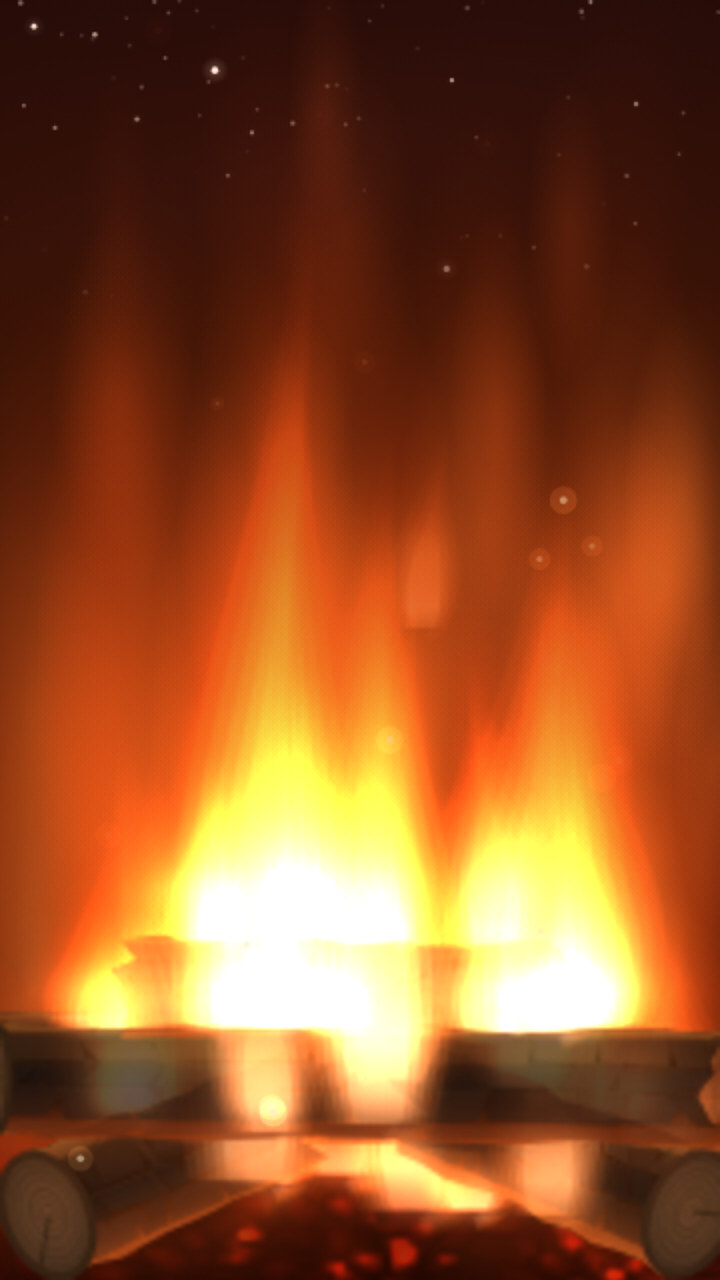
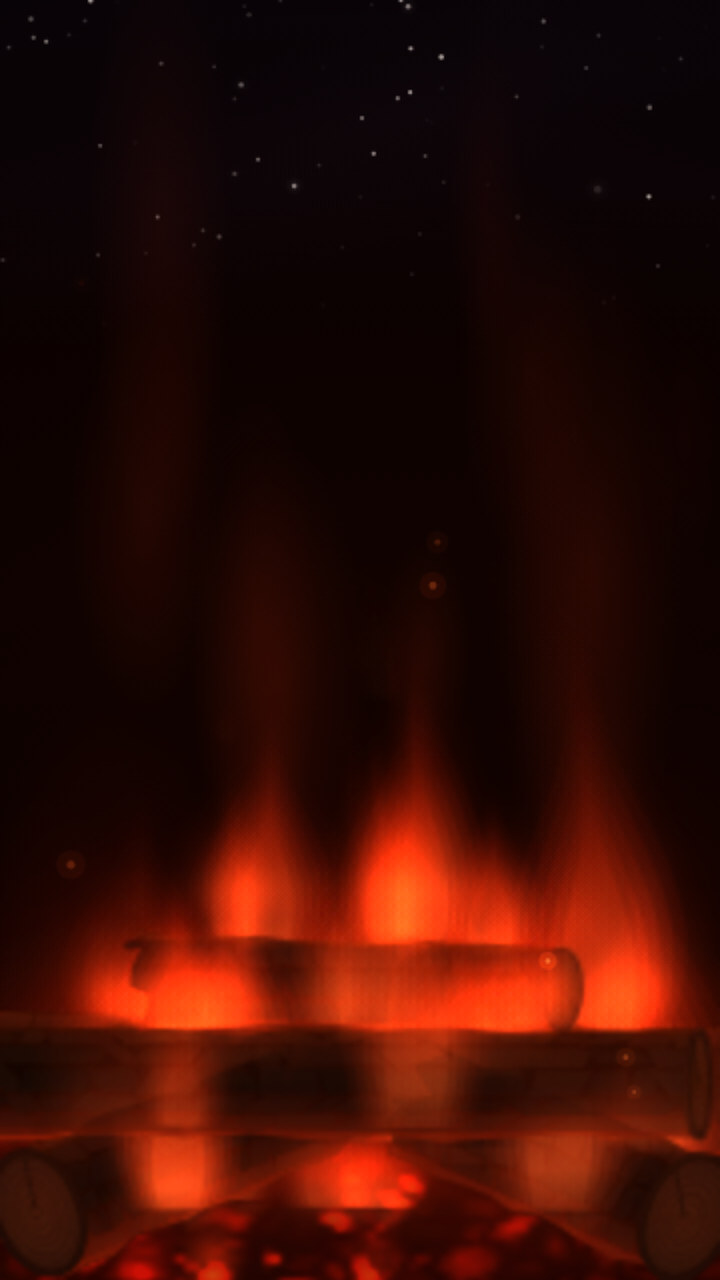
Flames curl up over split logs. Sparks drift into a starry sky. A low roar and a soft crackle fill the room.
Set the sleep timer and the fire burns down with you. The logs char and crumble into glowing coals, the stars come out, the sound fades away, and the screen goes dark on its own. Every flame is drawn live and every crackle is made fresh on your phone, so no two nights are quite the same.
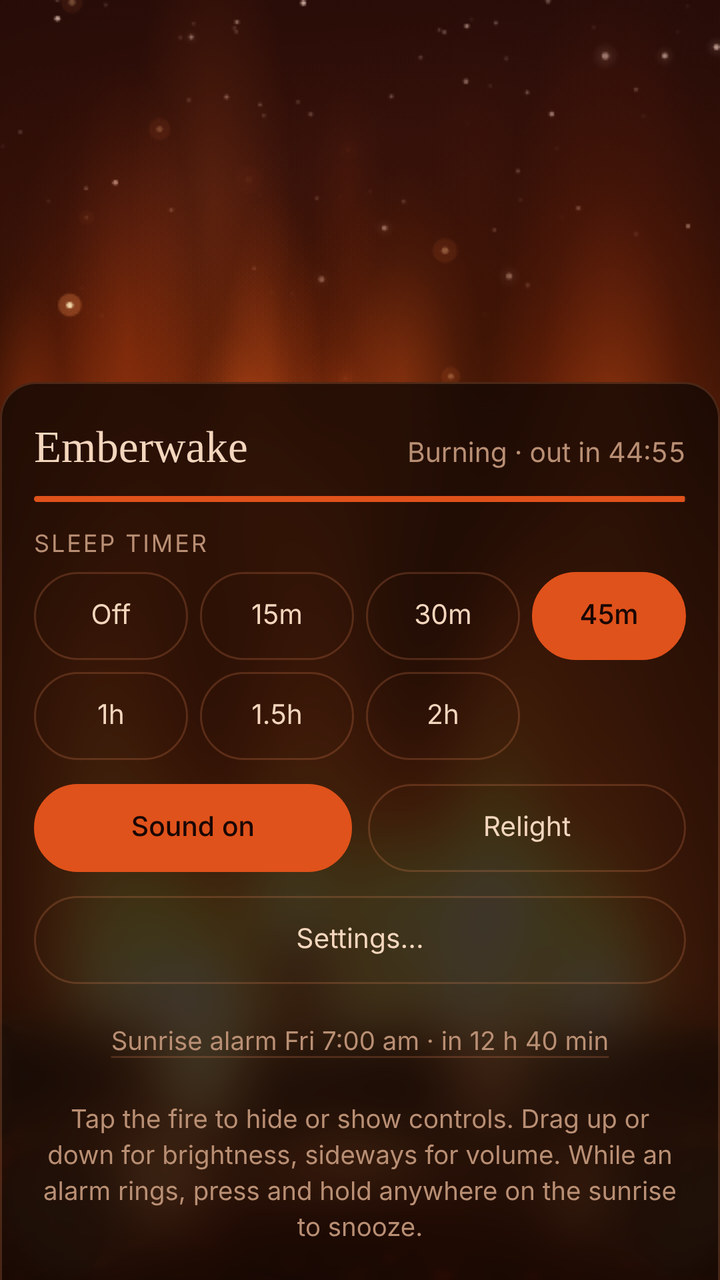
Burns down as you do
Fifteen minutes to two hours, or all night long. Drag up the fire for brightness and across it for volume.
Three fires, three moods
Classic Hearth, soft gold Candle, and Night red: a deep bed of embers with almost no blue light, made for a dark bedroom.
Your perfect soundscape
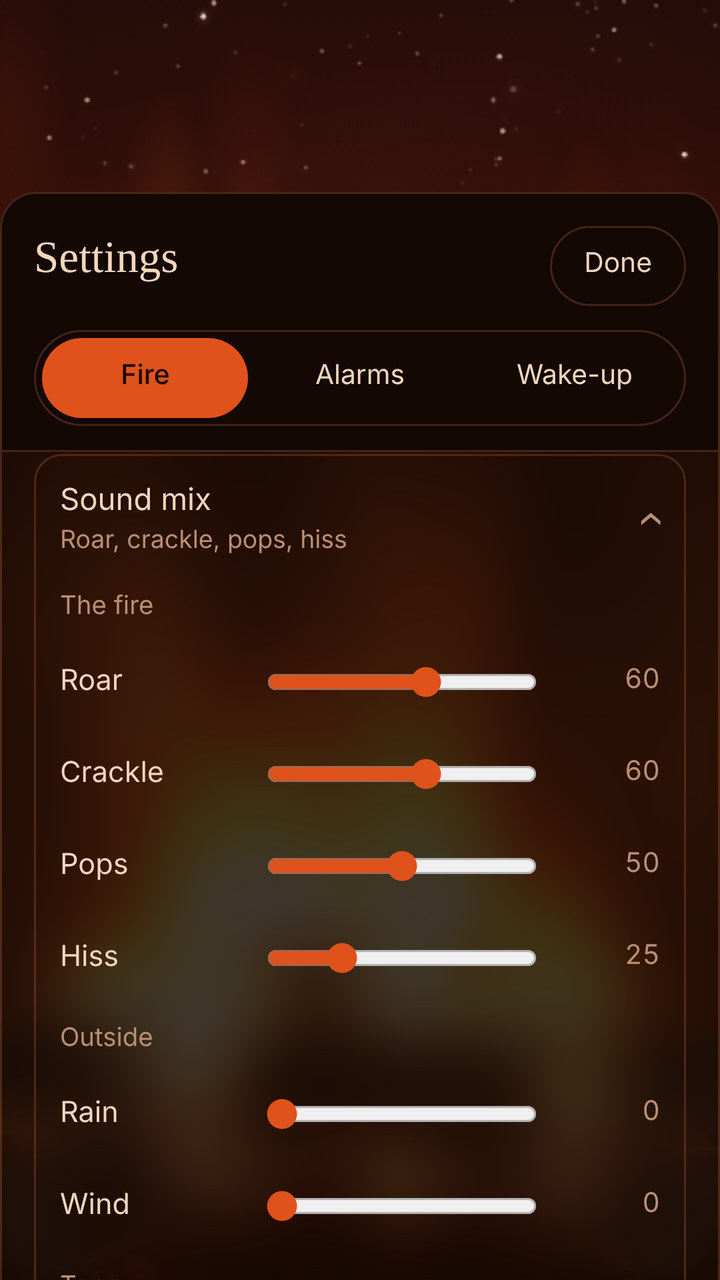
Roar, crackle, pops and hiss, with rain on the window and wind outside. Tune the bass and treble, then save up to three favourite fires.
Wake up
Wake to a sunrise, every morning
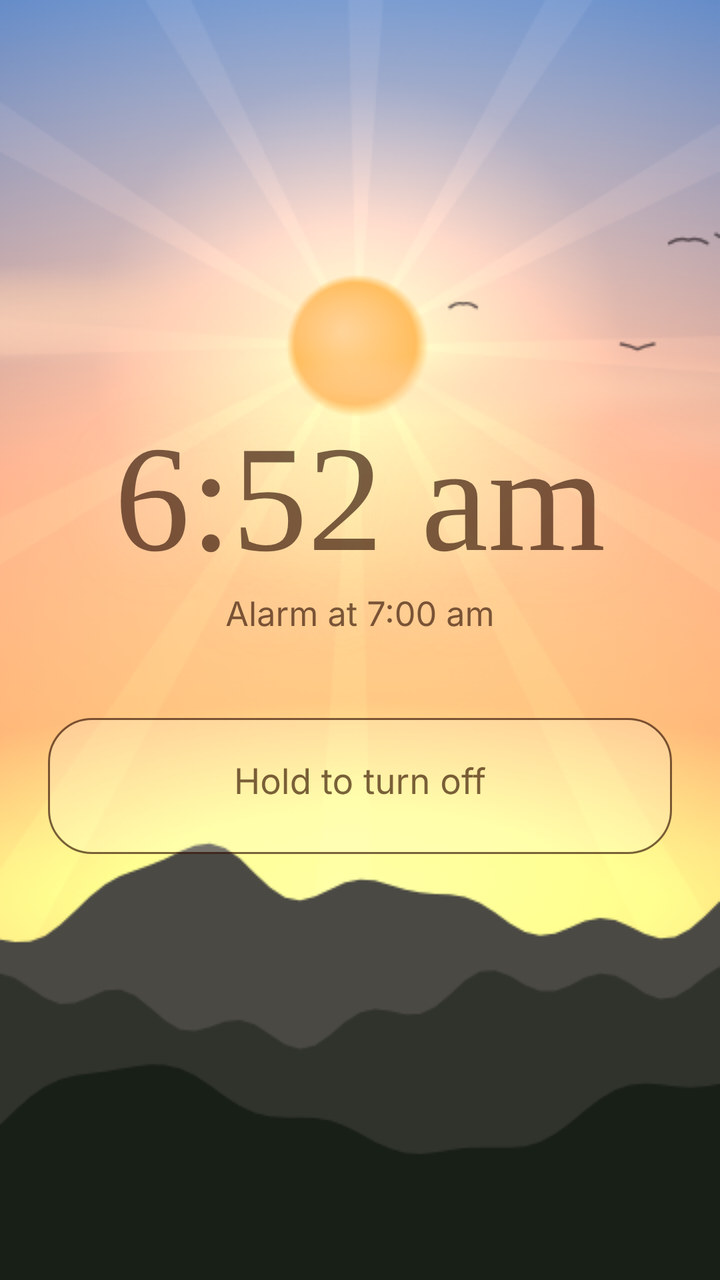
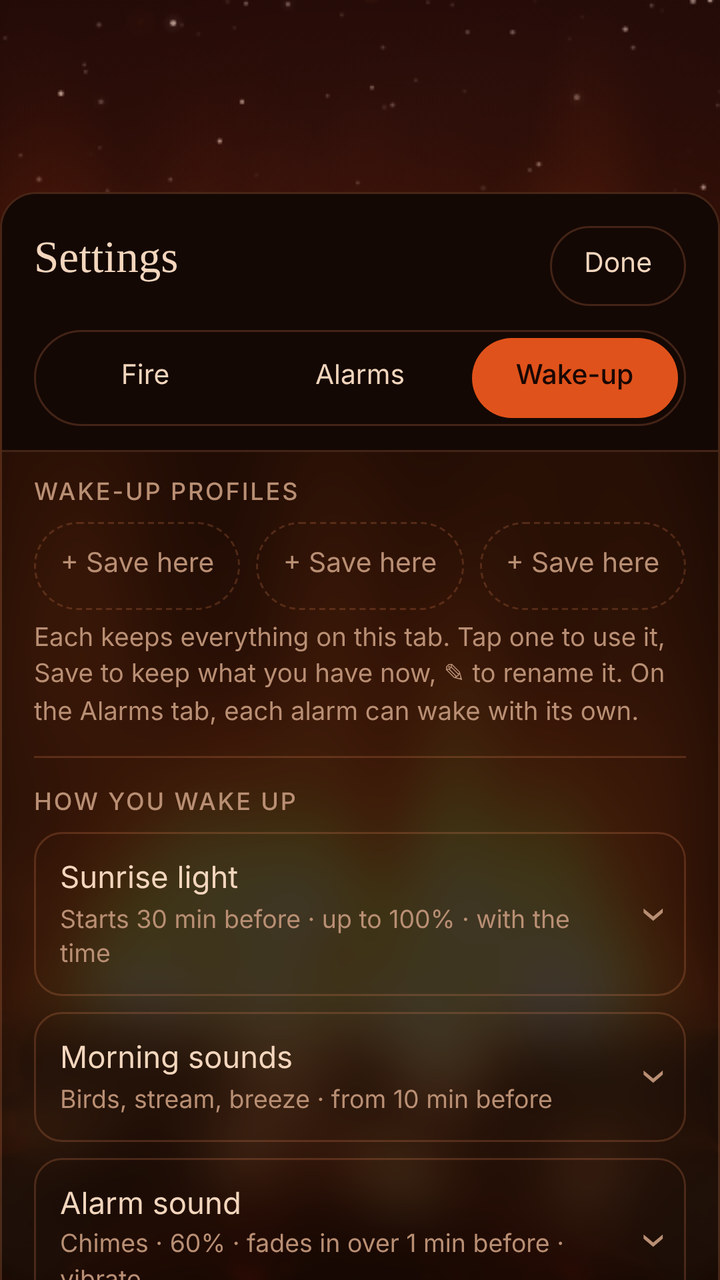
Before your alarm, your screen glows from a starry night through deep blue, rose and gold as the sun climbs over the hills, and your phone's backlight rises with it. Birds begin to sing. Your alarm fades in to reach full volume right on time. You wake up gently, to a brighter room.
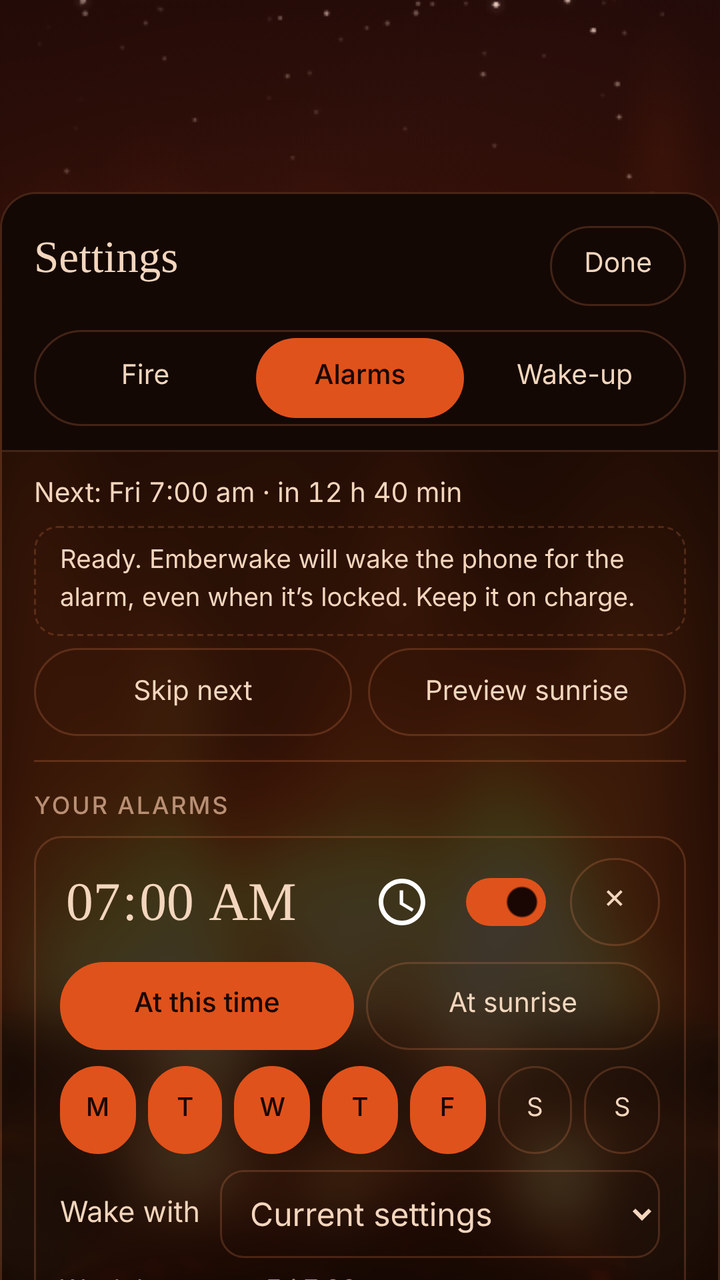
- Up to eight alarms, each on the days you choose
- Rise with the real sun, or set a time, and never wake late
- Birdsong, a stream, a breeze or wind chimes, or wake to a storm
- Chimes, bells, beeps, or your own favourite track
- Snooze with a tap, and hold to stop, so no sleepy swipe turns it off
Set it and sleep
From last light to first light
Pop your phone on charge and Emberwake takes care of the night. Your phone sleeps as usual, and Emberwake wakes it right on time, straight over the lock screen.
Your alarm rings at the phone's alarm volume, so it sounds even on silent. Snooze, stop, then relight the fire for a slow start to the day.
Take a look
Made to be gazed at
Private by design
Your nights stay yours
No ads. No account. No tracking. Emberwake runs entirely on your phone and has no internet access at all, so your settings, your alarms and your sleep stay with you.
Get Emberwake
Coming soon to Google Play
Emberwake is on its way to Google Play for Android phones and tablets. The download link lands right here on launch day.
Questions
Good to know
Which phones does it run on?
Emberwake is for Android phones and tablets, from Android 8 onwards.
How do I make sure my alarm always rings?
Keep your phone on charge overnight. Some phones, including Xiaomi, Huawei and OnePlus, pause apps to save battery. On those, set Emberwake's battery use to Unrestricted in its app settings. Do Not Disturb set to Total silence will mute it too.
Does it work without the internet?
Always. Emberwake never goes online, so it works anywhere, even in flight mode.
Who makes Emberwake?
Vulpecula Games, an independent studio in Australia. Designed and tested by hand, coded with AI. Emberwake is © 2026 Vulpecula Games, all rights reserved.
Something not right? Email support@vulpecula.games.